A side job from home! Can you really earn ¥100,000 a month caring for pets?
Pet sitting is truly the ideal job for animal lovers. But Fluv‘s acceptance rate is only 15%! So how can you get accepted as a pet sitter and earn money while spending time with pets at home?
In this article, we’ll walk you through how to apply to become a pet sitter in just 6 easy steps!

⭐️ How to apply to become a pet sitter in just 6 easy steps
Step 1: Create an account and apply to become a sitter (about 5 minutes)
First, create an account on the “Fluv” platform using Facebook or Google.
After registering, open “My Page” and go to “Edit Profile” to fill in your personal profile. Then return to My Page, go to “Sitter Page,” and click “Profile Screening” to enter your basic personal information and verify your identity.
Step 2: Pet knowledge & platform usage test (1–3 days)
Once you’ve completed the basic information, you’ll take an online test to assess your knowledge of pet care and how to use the platform.
This test is designed to evaluate your pet care experience and knowledge.
If you’re feeling unsure, you can study in advance using the free lecture videos and learning materials provided by Fluv.
Step 3: Set up your payment account (about 5 minutes)
Register your bank account information to receive your monthly earnings.
This allows your monthly earnings to be deposited automatically.
Step 4: Sign the service agreement (about 5 minutes)
Sign the “brokerage agreement” online.
This agreement protects the rights of both the sitter and the platform, giving you peace of mind in case any issues arise.
Step 5: Register 2 references (1–2 hours)
To verify your pet care experience, you’ll need two people you know (pet owners whose pets you’ve cared for in the past) to provide references.
This helps build your credibility and increases your chances of being accepted.
Step 6: Publish your services and start pet sitting (30 minutes – 2 hours)
Set your availability, the sizes of pets you can accept, your service area, and your desired rates.
Once this is complete, your services will be published on the platform and you can start working as a pet sitter!
💡 Tip
After completing the first step, make the most of Fluv’s free online courses and learning materials.
This will not only improve your chances of passing the online test, but also help you build your pet care skills!

Step 1: Create an account and apply to become a sitter
1. Create your personal profile
Open the Fluv app and go to “My Page / Edit Profile.”
Set up your cover image, profile photo, name, and bio.
*Your profile photo and bio are very important as they also appear on your service page. They directly affect the trust clients have in you.
🔹 Tips for your bio
Write about your love for animals, stories with pets, and your experience caring for them.
Also fill in your contact information (kept private) so you can receive important notifications from the platform.


2. Submit your sitter application
Open the Fluv app and go to “My Page / Sitter Page.” Complete all the required screenings to register as a sitter.

3. Document screening
・Identity verification is the top priority! Other screenings cannot begin until verification is complete.
・”Pet care experience” is also part of the screening criteria, so be sure to provide specific details.
・How to submit documents
Japan residents: Upload the front of your ID
Foreign nationals: Submit the inside page of your passport (must be clearly visible — no covering or blurring)
The selfie must be taken live on the spot. Screenshots are not accepted.
Double-check that all information is correctly filled in before submitting!


Step 2: Pet knowledge test & platform usage test (1–3 days)
1. Aptitude test
Fluv evaluates sitters on their expertise, service mindset, and love for animals.
Sample test questions:
“What would you do if a dog keeps barking at the front door?”
“What does it mean when a cat shows its belly?”


Step 3: Set up your payment account (5 minutes)
Make sure to enter accurate information.
If the details are incorrect, you won’t be able to receive your earnings.
Required information


Step 4: Sign the agreement (5 minutes)
・Sign the online agreement
Fluv uses DottedSign to create online agreements.
Simply sign the agreement and click the “Done” or “Finish” button in the upper right corner.
No need to download and send the file back!
👉 Click here to review the latest agreement details


Step 5: References and reviews (1–2 hours)
You need at least 2 references!
At the bottom of your account settings, you’ll find a reference link and template. Copy the link or template and send it to friends or acquaintances.


Step 6: Register your services (30 minutes – 2 hours)
1. Go to “My Services” on My Page → select “Add Service” and configure the following:
・Service type, duration, price, available dates, title, description, area, photos (up to 10), and the types and sizes of pets you can accommodate
⚠️ Important notes
・You need to set your own service prices, areas, descriptions, and accepted pets.
・After receiving a booking, please do not cancel orders for reasons like “the price is too low,” “the area is too far,” or “I can’t handle this type of animal.”
・Set your accepted pets based on your own personal experience.
・Do not list services for areas where you have no relevant experience.
Here are service description templates. Copy and paste them, then customize the content to fit your services.
In-home pet sitting ⚠️ Pet care certification required
Dog walking service
Mobile shampooing
Mobile grooming ⚠️ Grooming certification required
Overnight boarding (temporary care service) ⚠️ Must pass an environment inspection


2. Choose your cover photo
To build trust with clients, set a photo where your face is clearly visible and that’s relevant to your service.
The app uses landscape-oriented photos, so upper-body shots or selfies work best.
Make sure clients can tell at a glance what your service is about. If you offer a dog walking service, use a photo of you walking a dog. If you’re a cat sitter, use a photo of you caring for a cat. For grooming specialists, showing before-and-after shots can be a great idea!

3. Upload your service cover photos
If you’re offering boarding services, make your first photo one of the care environment. This is very important because it allows pet owners to see the environment at a glance!
1. Keep the care environment clean and tidy
2. Photograph it from the best angle
3. Capture the entire environment in the shot

4. Set your rates
【In-home pet sitting】
First-time clients must book a preliminary consultation.
⚠️ It’s very important for the pet owner to visit the sitter’s home so the sitter and pet can meet beforehand. This allows everyone to check compatibility between the sitter, owner, and pet, ensuring a smooth and worry-free pet sitting experience on the day.
⚠️ We strongly recommend scheduling a home visit before making payment!
There are three pricing tiers based on the sitter’s service quality and experience.
 Rates
Rates
①: Consultation fee: ¥4,000 / 30 min
②: Sitter fee (near sitter’s home): ¥6,500 / 30 min
③: Sitter fee (far from sitter’s home): ¥8,000 / 30 min Pre-consultation: ¥4,000
【How to calculate rates】
Total = Rate × Service time (per 30 min) × Sessions per day × Number of days
【Important notes】
The number of pets is not included in the system’s rate calculation — the rate is the same for up to 5 pets. However, for 6 or more pets, the system requires a minimum of 60 minutes of service.
If a sitter determines they cannot complete the service within the allotted time (e.g., caring for 4 medium-sized dogs in 30 minutes), they should discuss with the owner to extend the service time and have them place a new order.
That’s it — registration is complete!
You can now start accepting pet care bookings.
If you have any questions about the sitter application, send a message to the “Sitter Assistant” official account on LINE. Our dedicated staff will help you with service listings and answer any questions!
Why we founded Fluv Japan 🐈
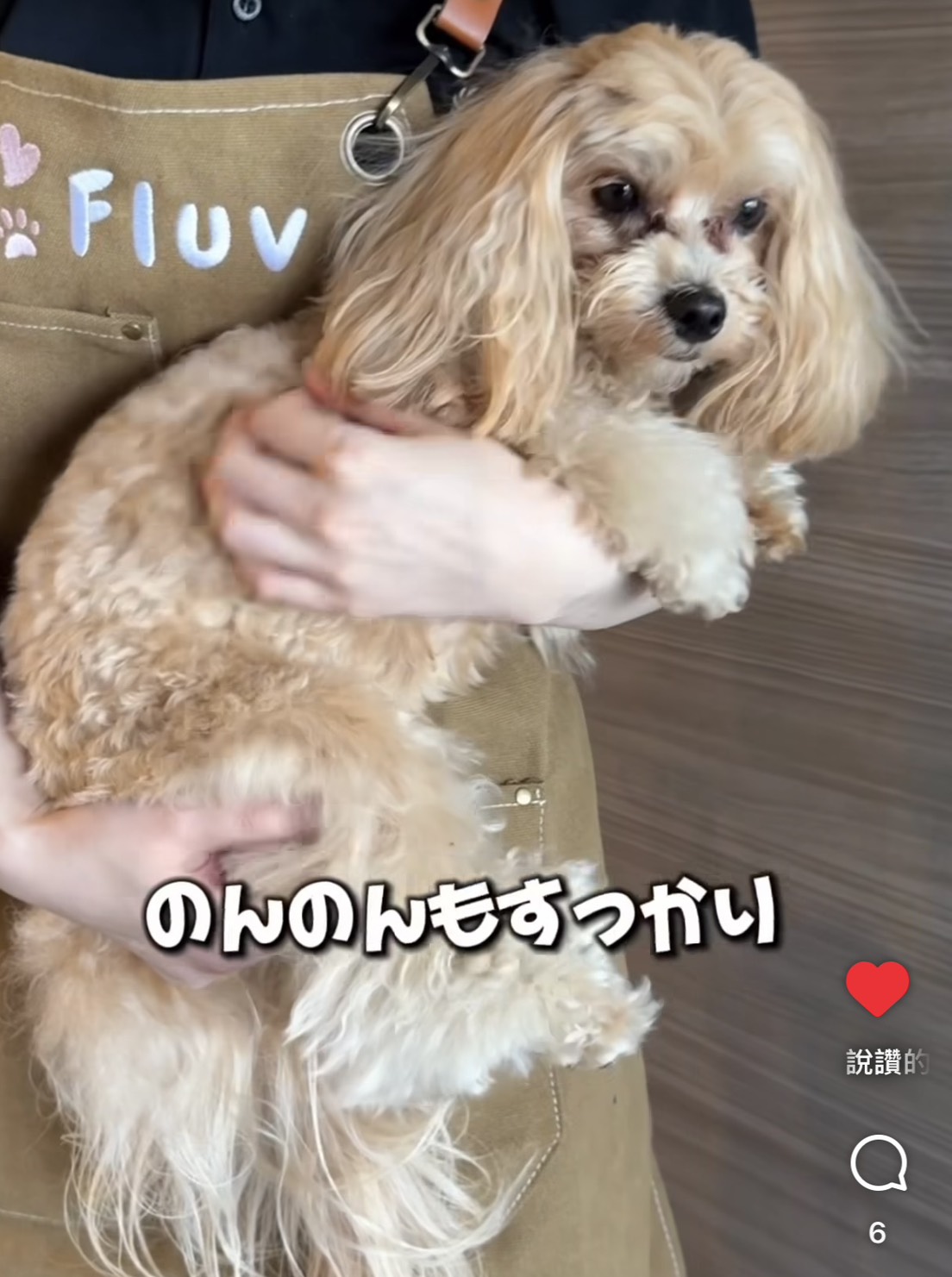
Pet sitter in-home care video
🐾 Protecting the bond between you and your cat
Cats can’t speak for themselves, so the care you choose matters more than anything.
That’s why your beloved family member deserves a trusted cat sitter.
Limited time offer! Enter code ‘#FLUV3000’ at booking for ¥3,000 off ✨
Or get your first home visit (pre-consultation) for free!
Don’t miss this chance!
With the Fluv app, you can make a safe and loving choice for both you and your cat.
📲 Download now and find the perfect sitter for your cat!
🔗 Download the Fluv app (¥3,000 off campaign)
Follow Fluv on social media!
Check out our social media for adorable sitter diaries 🐶🐱, the latest campaigns, and helpful pet care tips! Follow us so you never miss an update ♪
Instagram 🐾 Daily posts and cute sitter reports from Fluv!
#CatSitter #DogSitter #PetLife
➡ Follow us here: https://www.instagram.com/fluv.jp/
Threads
🐾 A must-follow for cat and dog lovers — packed with adorable pet posts!
➡ Follow us here: https://www.threads.com/@fluv.jp
LINE
🐾 Get exclusive deals on bookings and the latest campaigns via LINE!
➡ Follow us here: https://line.me/R/ti/p/@236fcisy?oat_content=url&ts=12031204